Help / Your library
Playlists
Playlists let you gather tracks into your own lists - build one, add music to it, put the songs in the order you like, and it will be waiting for you every time you come back.
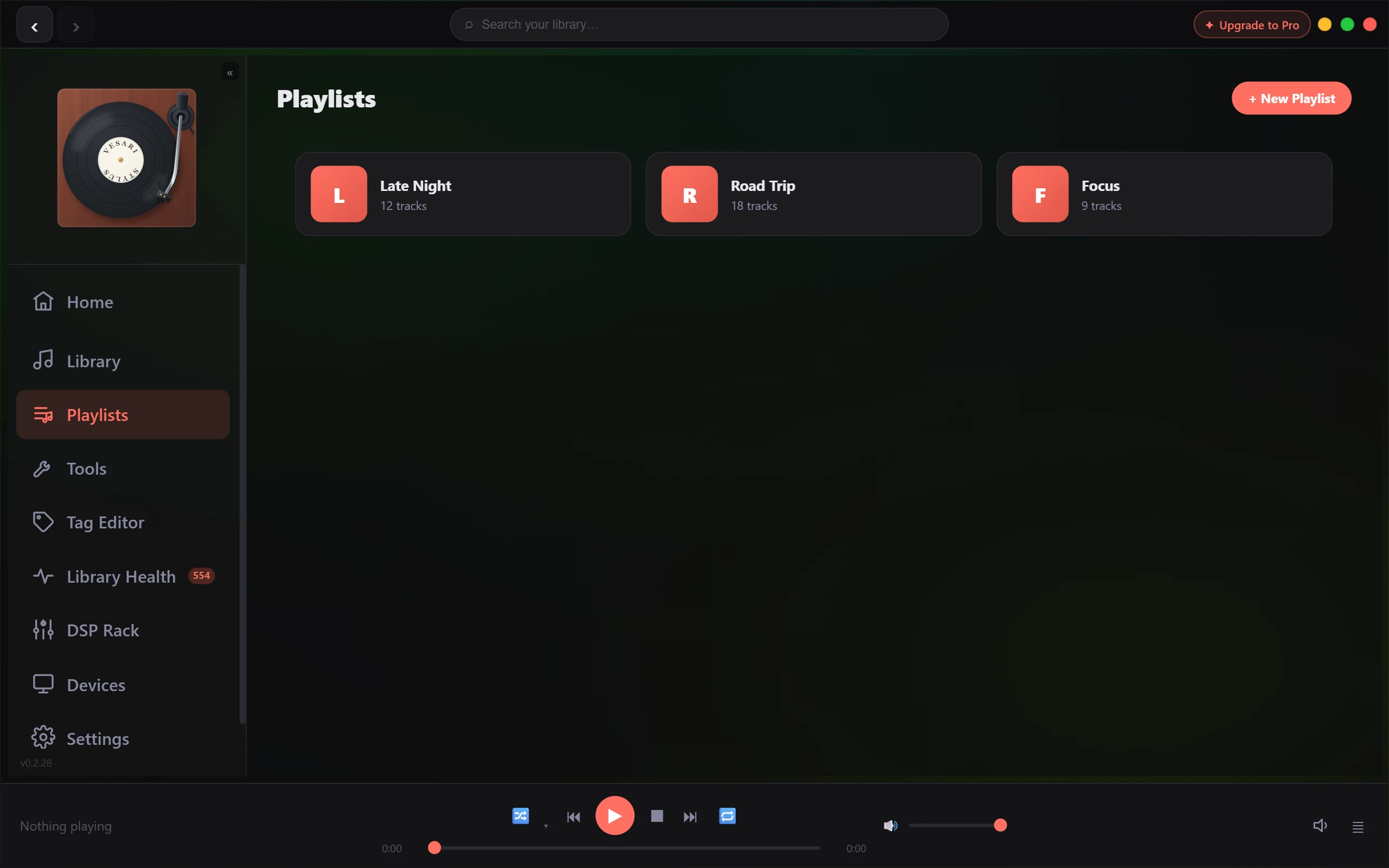
Playlists you build yourself are free for everyone in Vesari Stylus. There's no limit and nothing to unlock.
Create a playlist
- Open the Playlists page.
- Click + New Playlist. A new, empty playlist appears, ready to be named right away.
- Type a name and press Enter.
To rename a playlist later, point at its card and click the pencil button labelled Rename playlist, type the new name, and press Enter (or press Escape to leave it unchanged).
Add tracks
You add tracks to a playlist from your library.
- Find a track - or select several at once - in your library.
- Click the + button on the track to open the "add to playlist" menu.
- Choose the playlist you want to add them to.
That same menu has a + New playlist option too, so you can create a fresh playlist and drop the selected tracks into it in one step.
Reorder and remove tracks
Open a playlist and switch to the list view using the view buttons at the top. Each row has small up and down controls - use them to nudge a track one place at a time until the order is how you want it. Changes are saved as you go.
Prefer to browse by cover art? Switch to the art grid view instead. To take a track out of a playlist, use the × on it. This only removes it from the list - it never touches the file itself.
Save a Rediscover Mix as a playlist
When you play a Rediscover Mix - a one-tap blend of music you haven't heard in a while - a Save mix button appears next to it. Click it and the mix is kept as a normal playlist, which you can rename, reorder, and add to like any other.
Saving a mix draws on a power-tool allowance of its own rather than the playlist system - it is a paid unlock, with a trial taste - while playlists you build yourself stay free without limit. See What the free allowance covers.
Everything stays put between sessions
You never have to rebuild your setup. When you close Vesari Stylus and open it again:
- Your playlists are all still there, with their names and track order intact.
- The last track you had loaded is selected and ready, so it's an easy press of play to carry on.
- Your equalizer settings carry over too.
It all happens automatically - there's no "save" step and no account to sign into.