Help / Getting started
Add your music (the first scan)
Point Vesari Stylus at the folder where your music lives, and it builds your whole library for you - reading your files in place, never moving or changing them.
The quick version
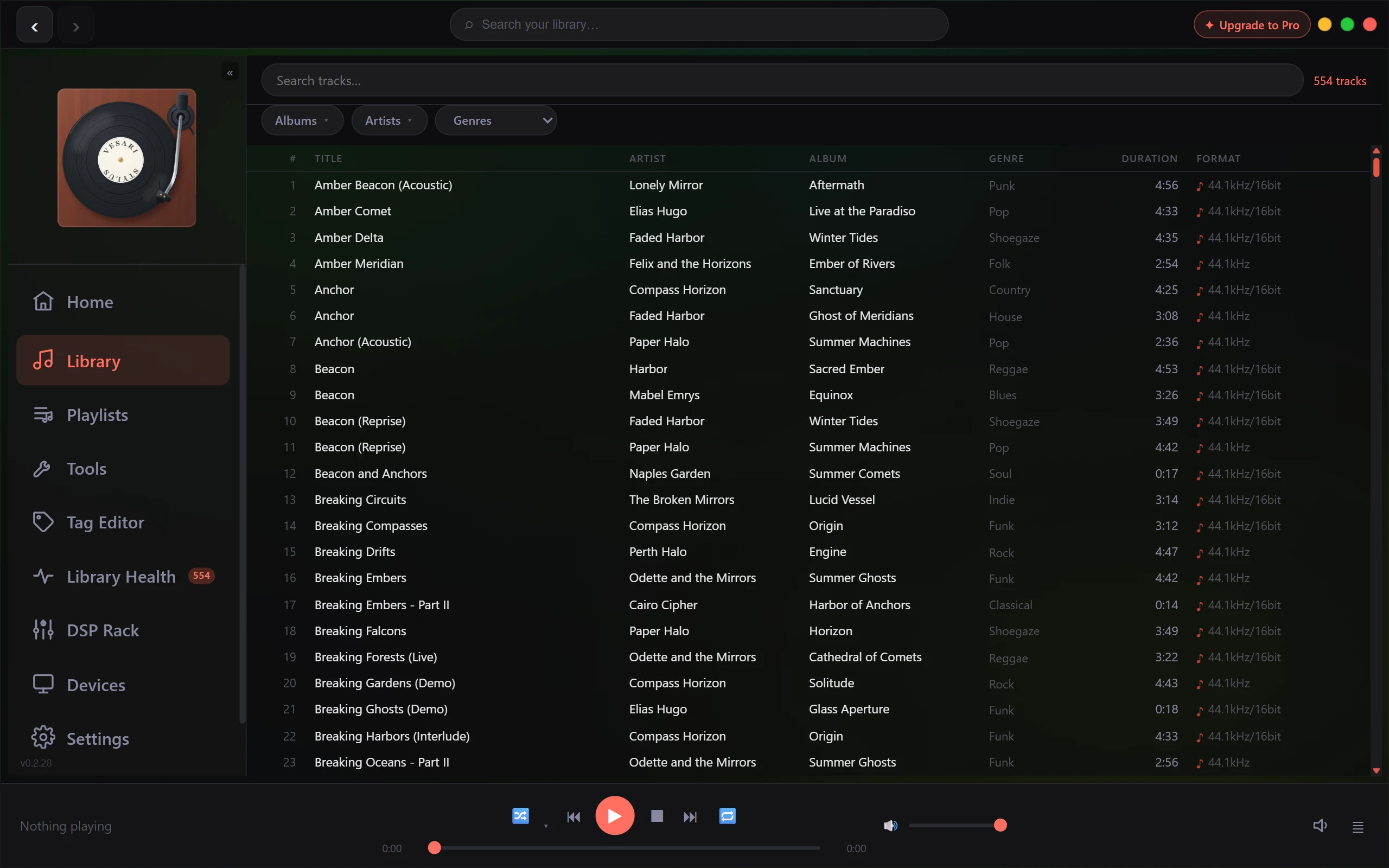
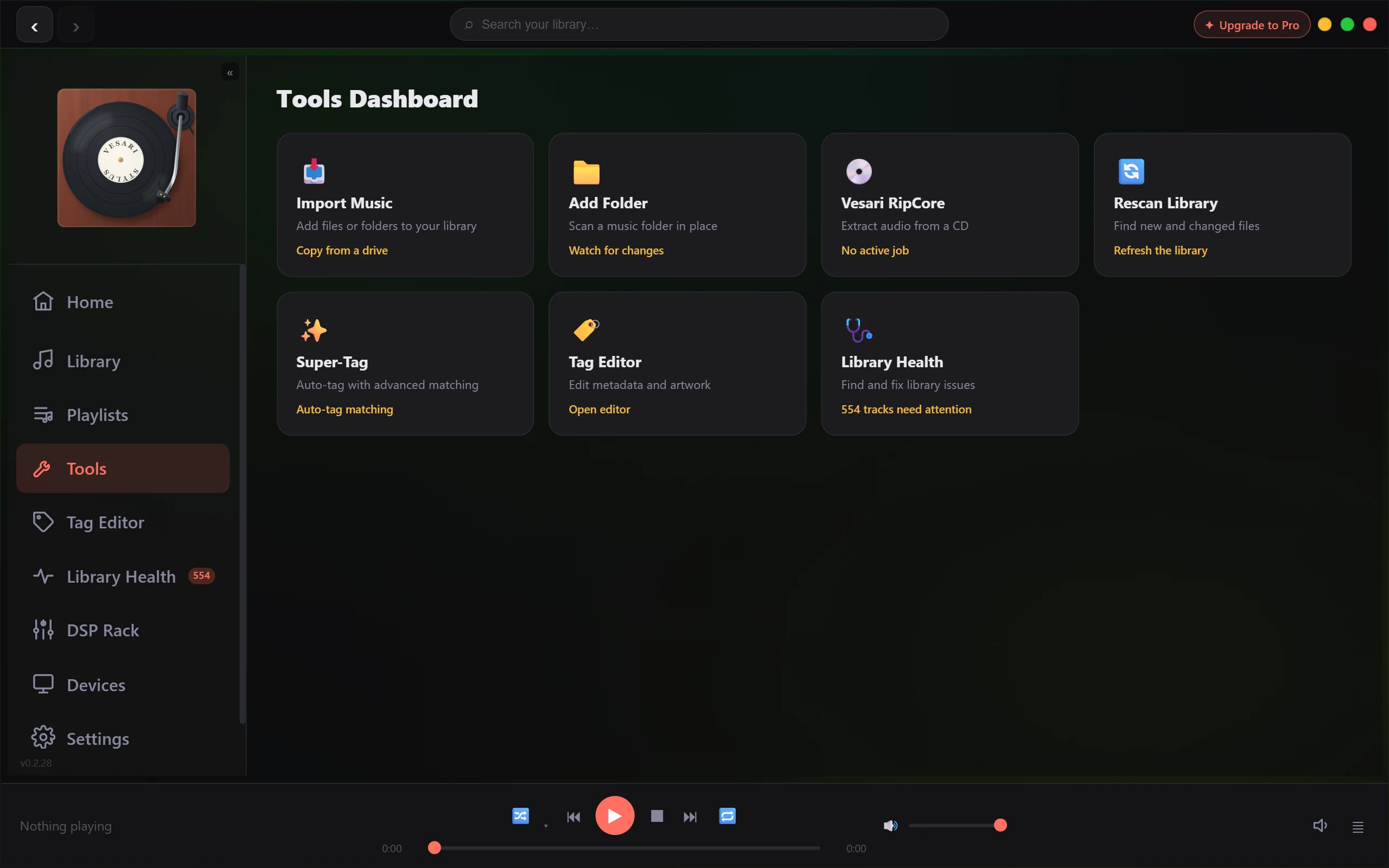
- Open Vesari Stylus and choose Add Folder (it scans a music folder in place). A picker titled Select Music Folder opens.
- Pick the top folder that holds your music - your
Musicfolder, say, or a whole drive of albums. You don't need to choose each album; one folder at the top is enough, and Vesari looks inside every folder beneath it. - Watch the progress count. Vesari walks through your files and adds them as it goes.
- When it finishes, your tracks, albums and artists are all there, ready to play.
Want to add more than one location? Just choose Add Folder again and pick another. Everything lands in the same library.
What the scan actually does
For every track it finds, Vesari reads the tags already saved in the file - title, artist, album, year and so on - groups those tracks into albums and artists, and pulls in cover artwork, both the art tucked inside your files and loose cover images sitting in the album folders. Nothing is moved, copied or changed on disk. The scan only reads your files to understand what you have.
New files appear on their own
Once a folder is part of your library, Vesari keeps an eye on it. Drop in a new album, or rip a CD into it, and those tracks show up on their own a moment or two later - no need to scan again. Watching starts as soon as you add a folder, including the very first one, so there's nothing to turn on and no need to restart.
This automatic watching applies to folders on your PC and directly attached drives. Music kept on a network drive or NAS isn't watched continuously - Windows can't reliably report changes on a network share - so for those, use Rescan Library whenever you add something new. If you keep some music locally and some on a NAS, the local folders update themselves and only the network ones need the occasional Rescan.
Big libraries are fine
Vesari is built to handle tens of thousands of tracks smoothly. The first scan of a large collection reads every file once, so it takes a little time - feel free to let it run in the background. After that, Vesari only looks at what's actually changed, so future updates are quick.
Nothing showed up?
If a folder scans but stays empty, the likeliest reason is that it doesn't hold music in a format Vesari reads. Supported formats include FLAC, MP3, AAC, OGG, WAV, AIFF and WavPack, among others. (Playing DTS, AC-3 or TrueHD also needs FFmpeg installed on your system.) Double-check you pointed Vesari at a folder that really contains audio files, then try again.
Tidying up the details
If some albums arrive with missing or messy information - no artist, no year, the wrong album name - that's usually down to the tags saved in the files themselves. Super-Tag can look those details up and fill the gaps for you.